Delete IAM and S3 Bucket Resources
Delete IAM Resources
Now, let’s delete the created roles.
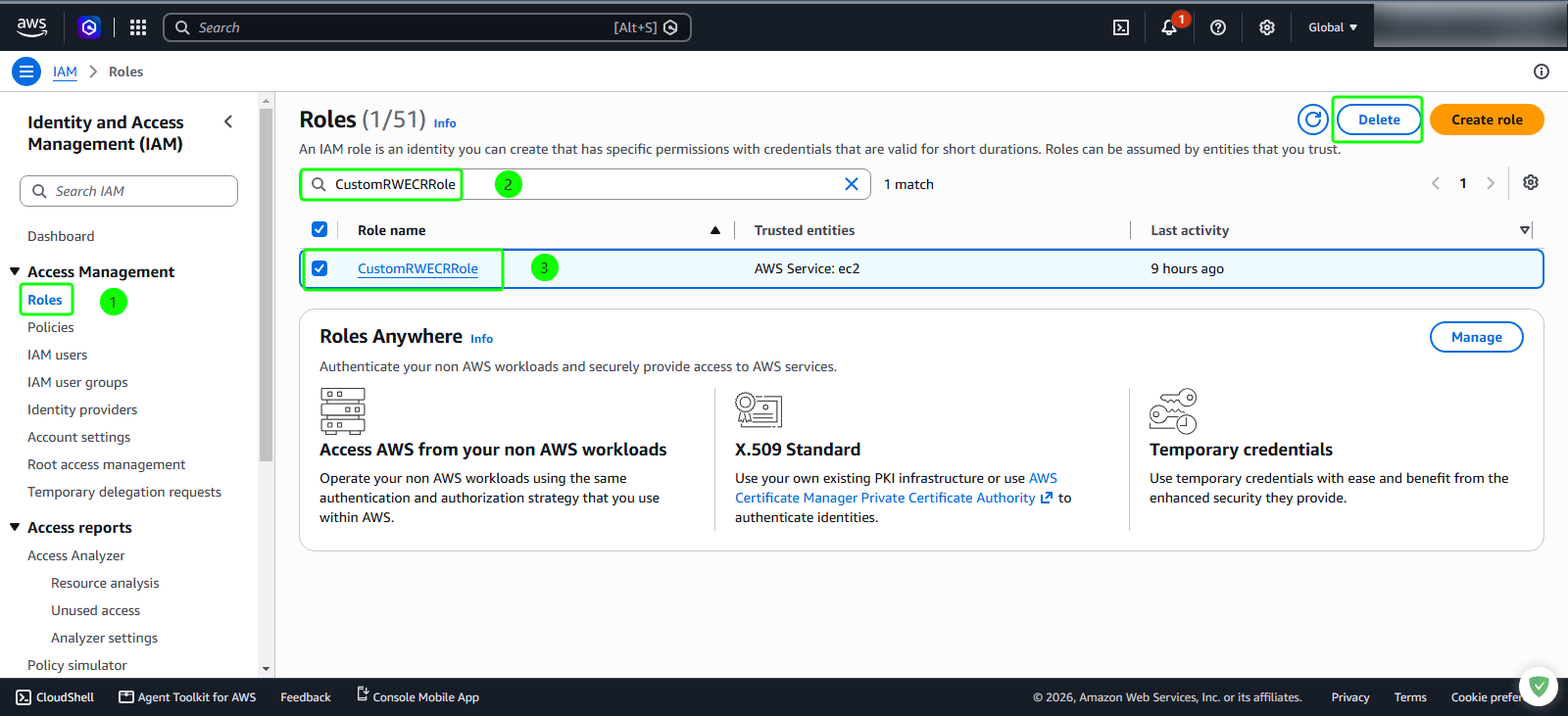
- Go to Roles under IAM.
- Enter
CustomRWECRRole - Select Delete.
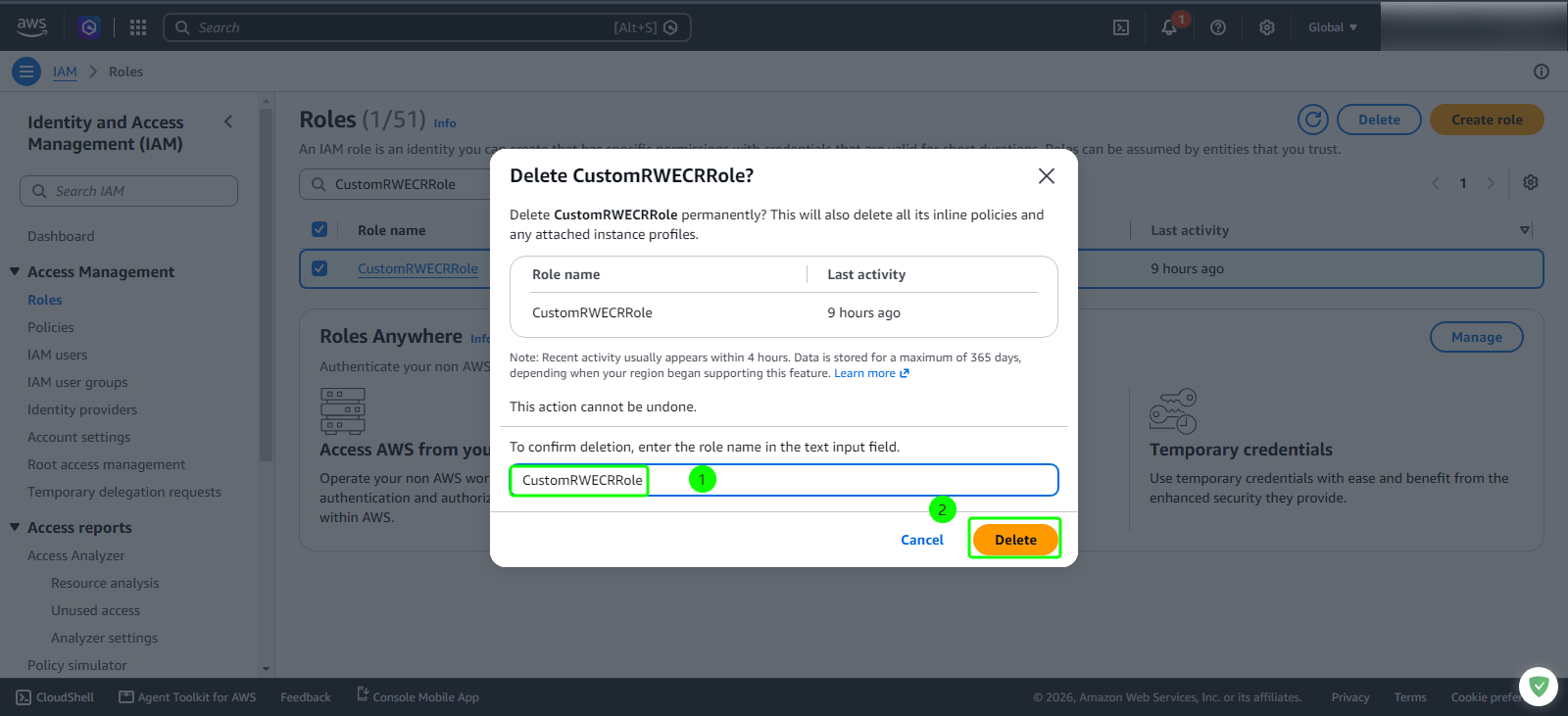
- Enter
CustomRWECRRole - Select Delete.
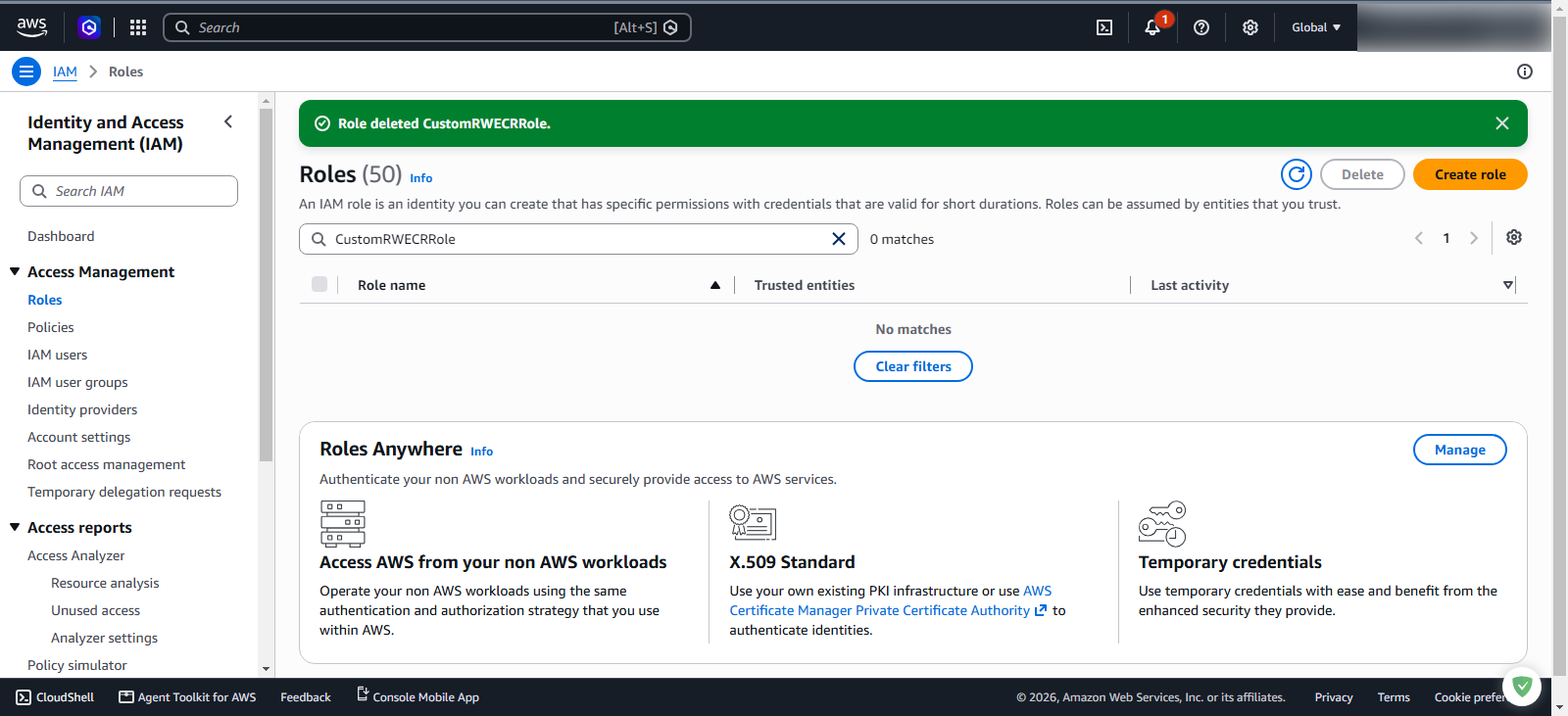
- Deletion successful.
- Repeat the process above.
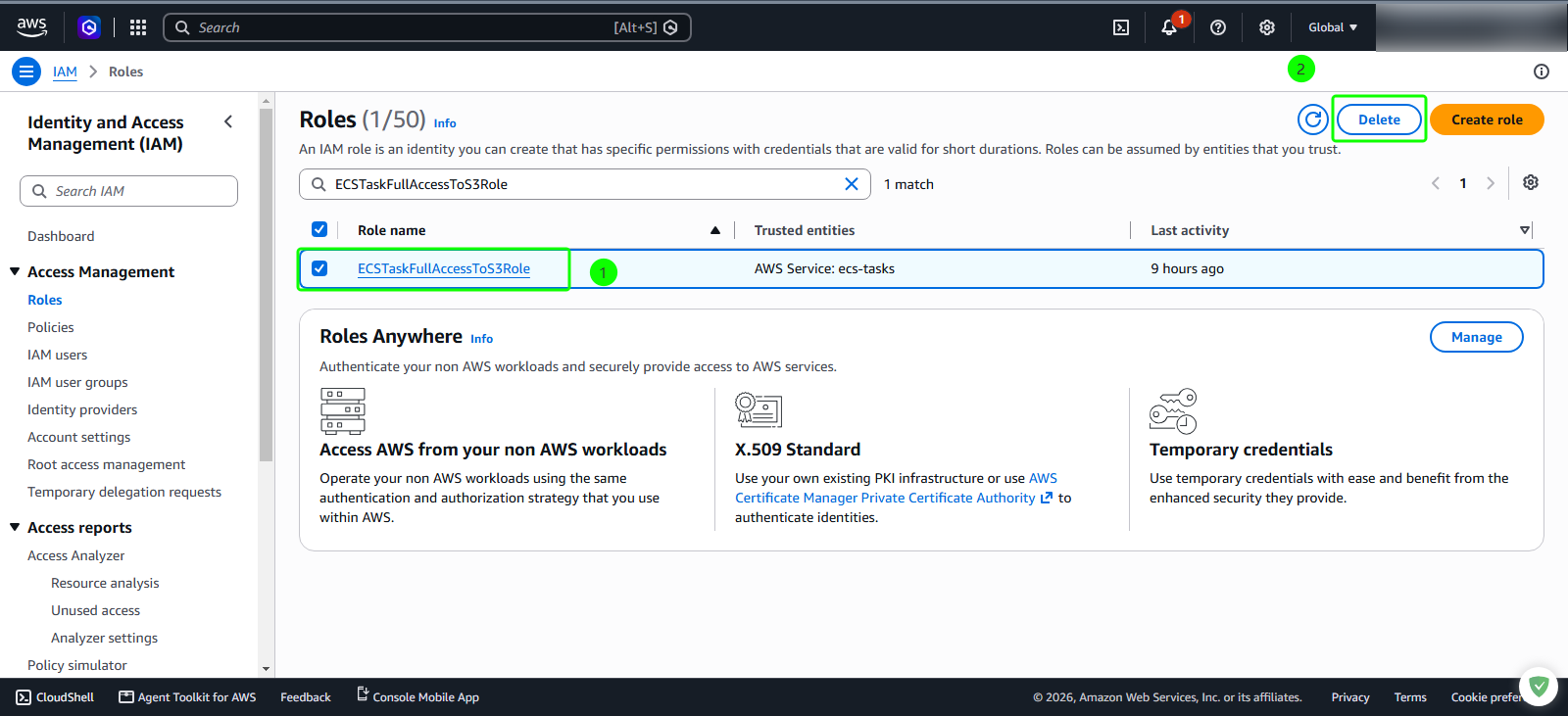
- Enter
ECSTaskFullAccessToS3Role
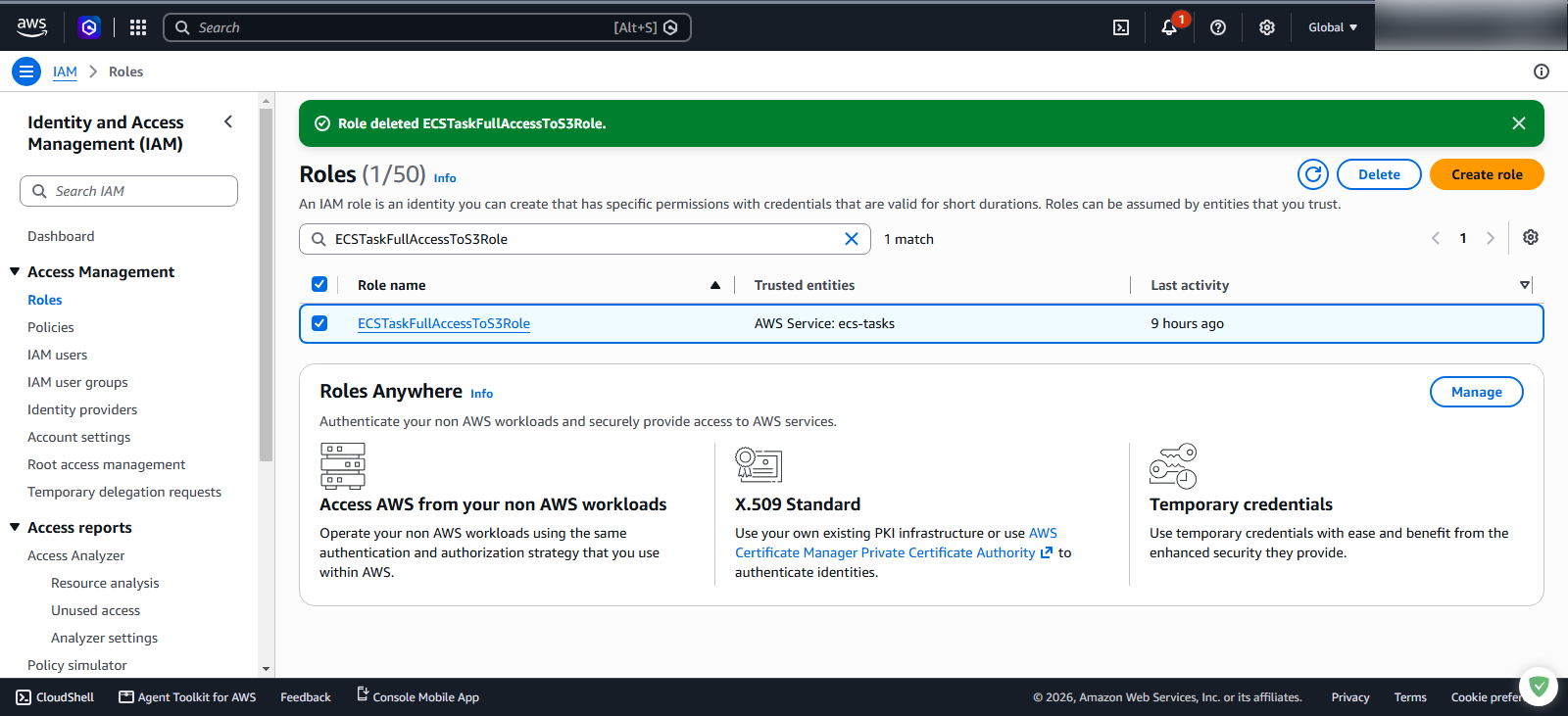
- Deletion successful.
Delete S3 Bucket Resources
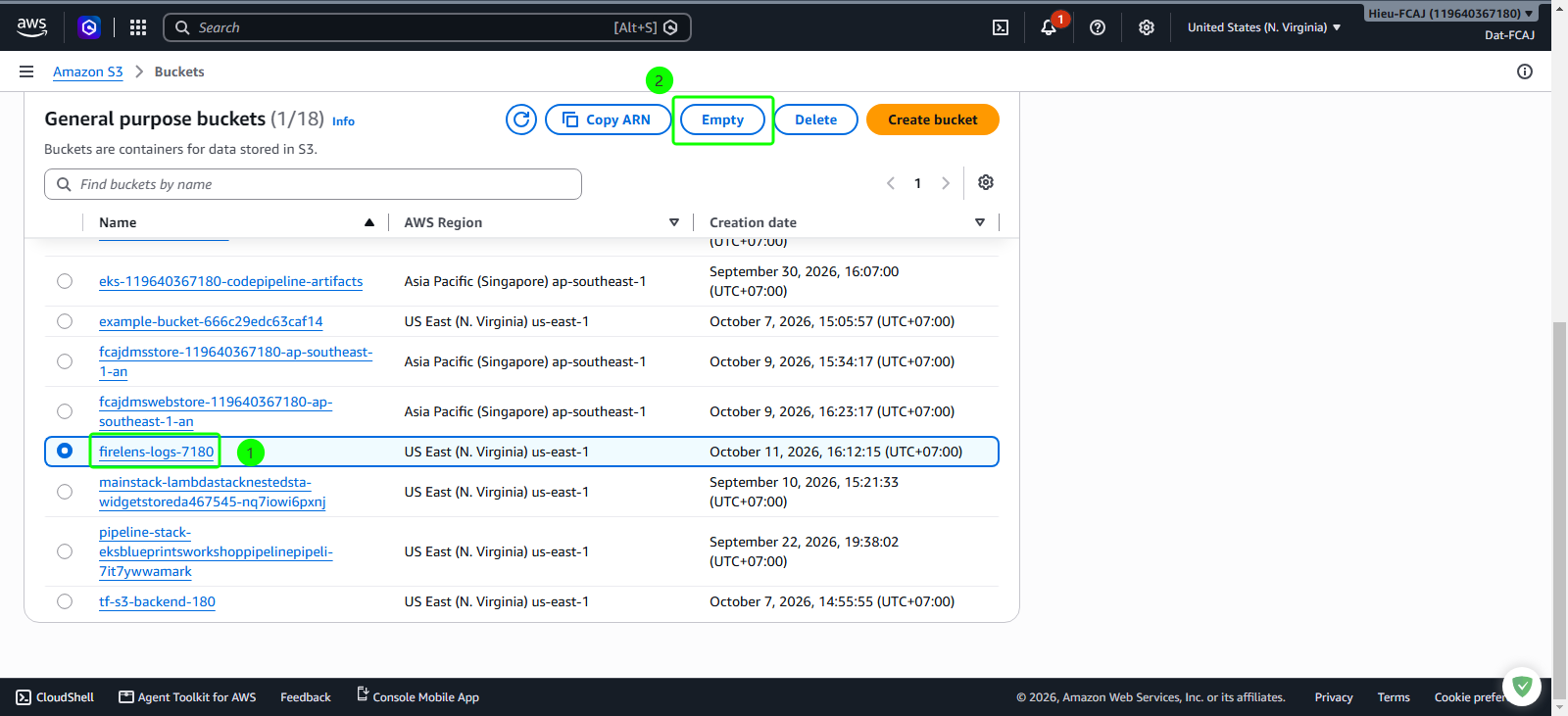
Delete the created S3 bucket.
- Access S3.
- Select the name of the created bucket.
- Choose Empty.
- Enter
permanently delete - Select Empty.
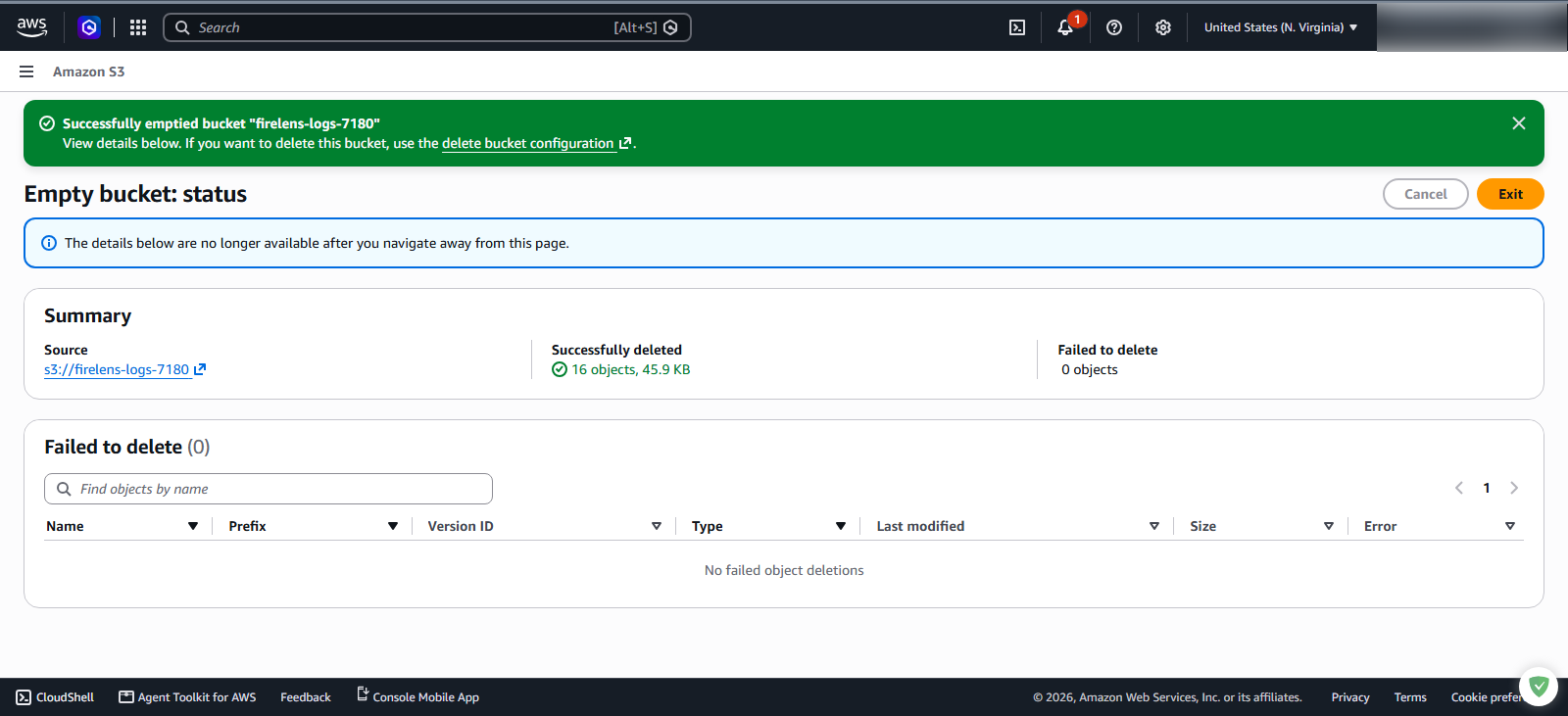
- Emptying completed.