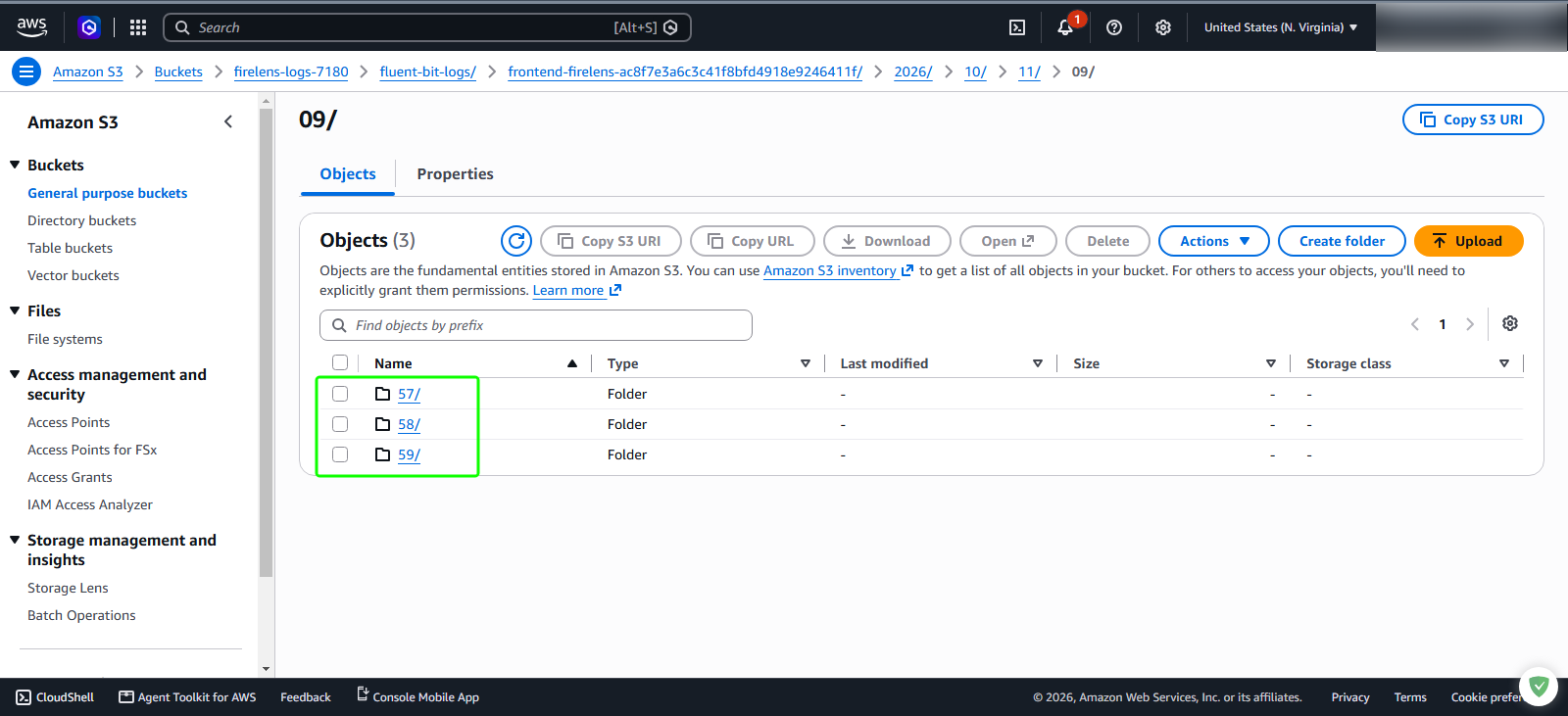
Check Logs
AWS FireLens automatically handles log formatting, buffering, and delivery to Amazon S3. The AWS for Fluent Bit log router buffers container stdout and stderr streams in memory and periodically flushes them according to the configured upload_timeout or total_file_size threshold.
Step 1: Locate the Fluent Bit root log directory in Amazon S3
In the AWS Management Console, navigate to the Amazon S3 service.
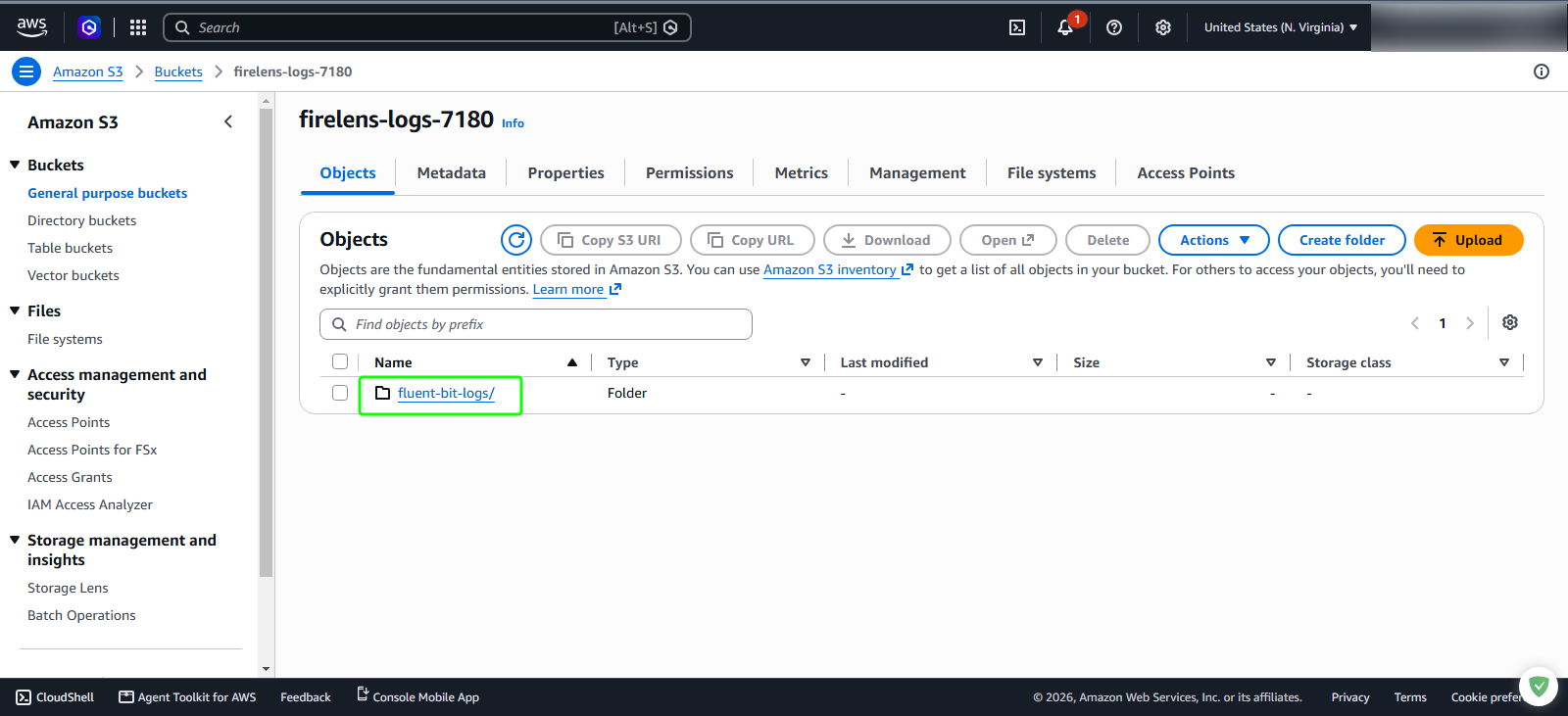
Under Buckets, select your log repository bucket:
firelens-logs-7180On the Objects tab, verify that Fluent Bit has created the top-level directory:
- Folder name: fluent-bit-logs/
Step 2: Navigate partitioned directories to inspect log objects
Click
fluent-bit-logs/to explore the generated directory hierarchy:- Click the container task folder
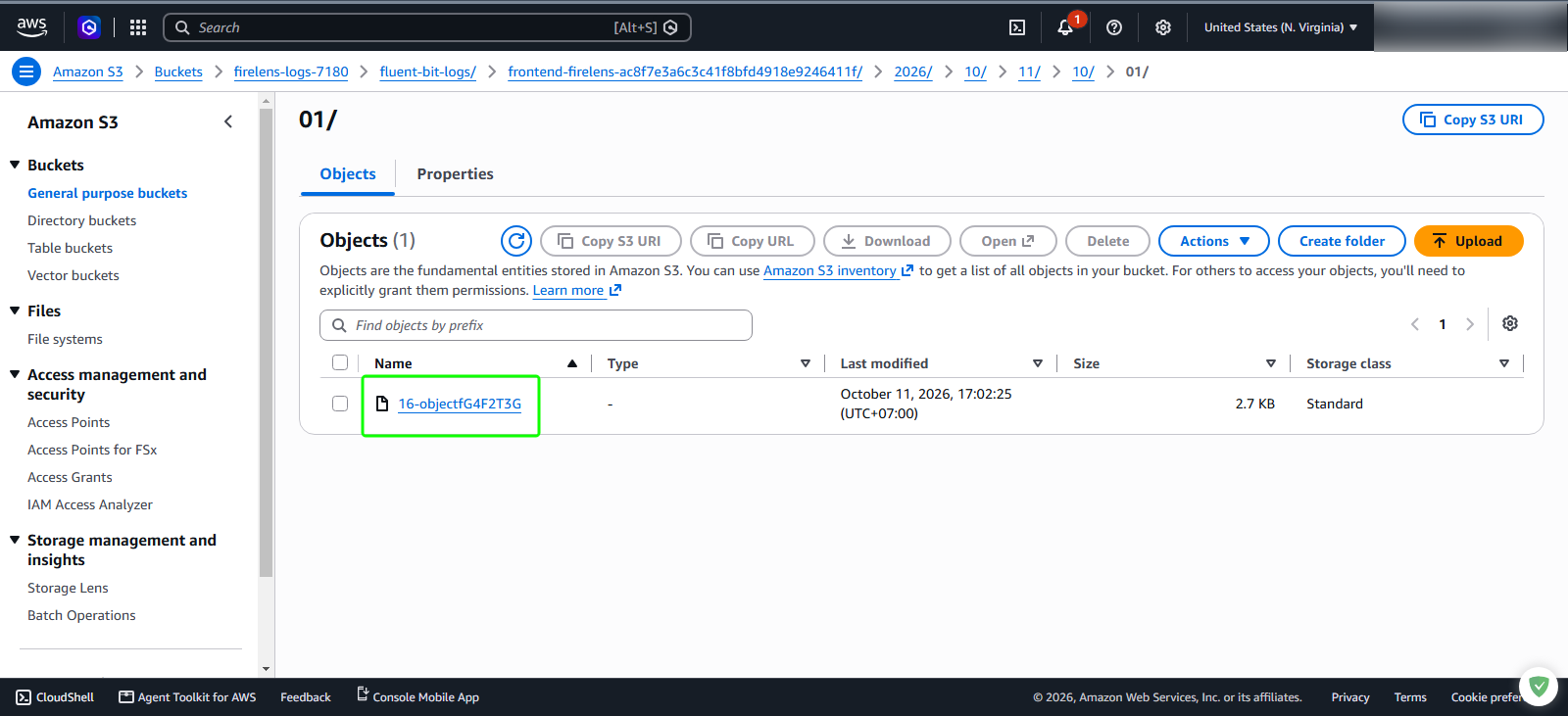
- Continue clicking through the date and time prefixes: 2026/> > 10/ > 11/ > 10/ > 01/.
In the minute partition folder, locate the generated log object
Review the object metadata in the table:
- Size: Approximately 2.7 KB
- Storage class: Standard
Step 3: Observe streaming log batch intervals
As web traffic continues to hit the frontend application container, Fluent Bit continues streaming buffered log files into new minute folders.