GitHub Setup
In this section, you will fork the application template repository into your personal GitHub account to serve as the source control provider for AWS CodeBuild. You will also make an initial source code modification in the frontend menu component to prepare for validating tag-triggered automated builds and zero-downtime rolling deployments.
Step 1: Fork the template repository
To decouple your lab pipeline from the upstream project while maintaining complete commit history, create an independent fork under your personal GitHub profile.
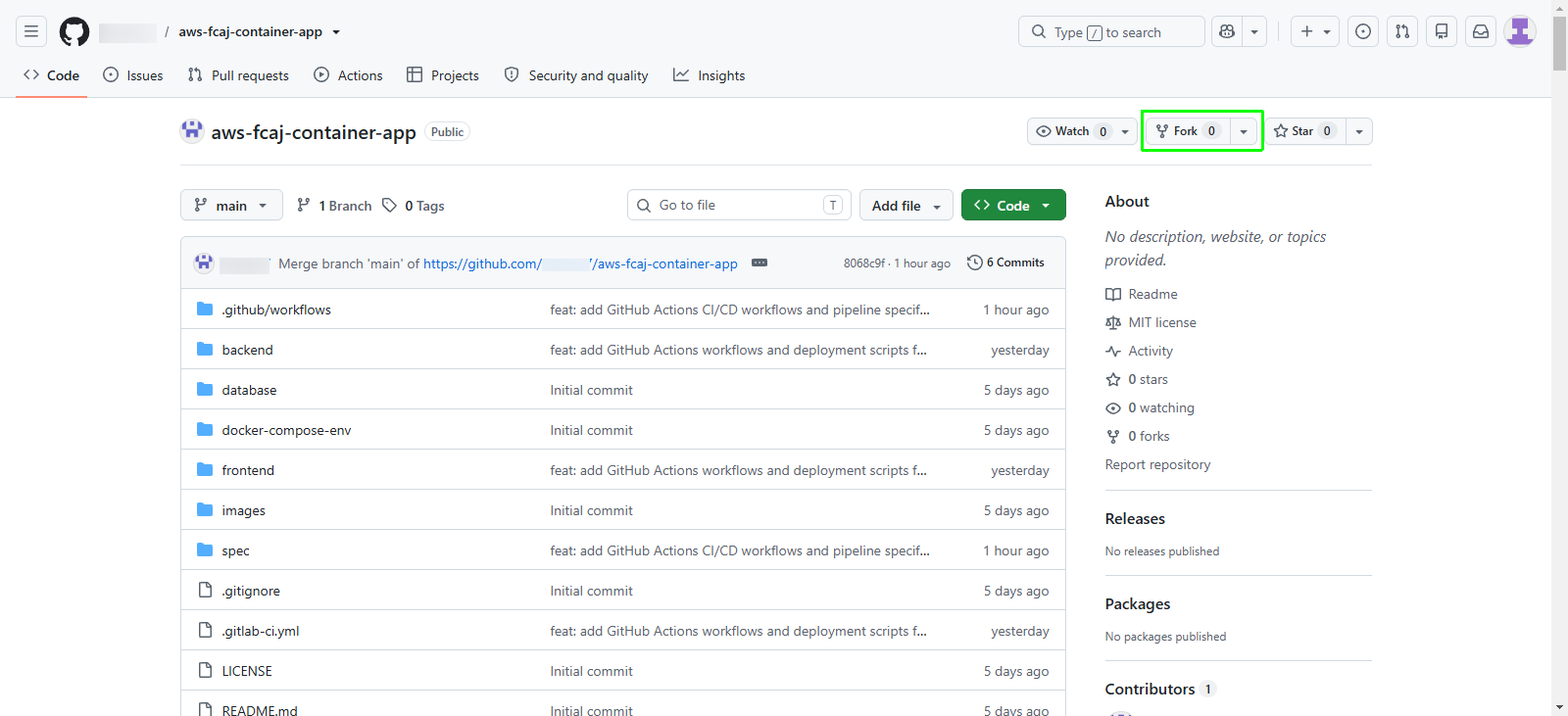
Navigate to the upstream GitHub repository: aws-fcaj-container-app.
In the top-right header of the repository, click Fork.
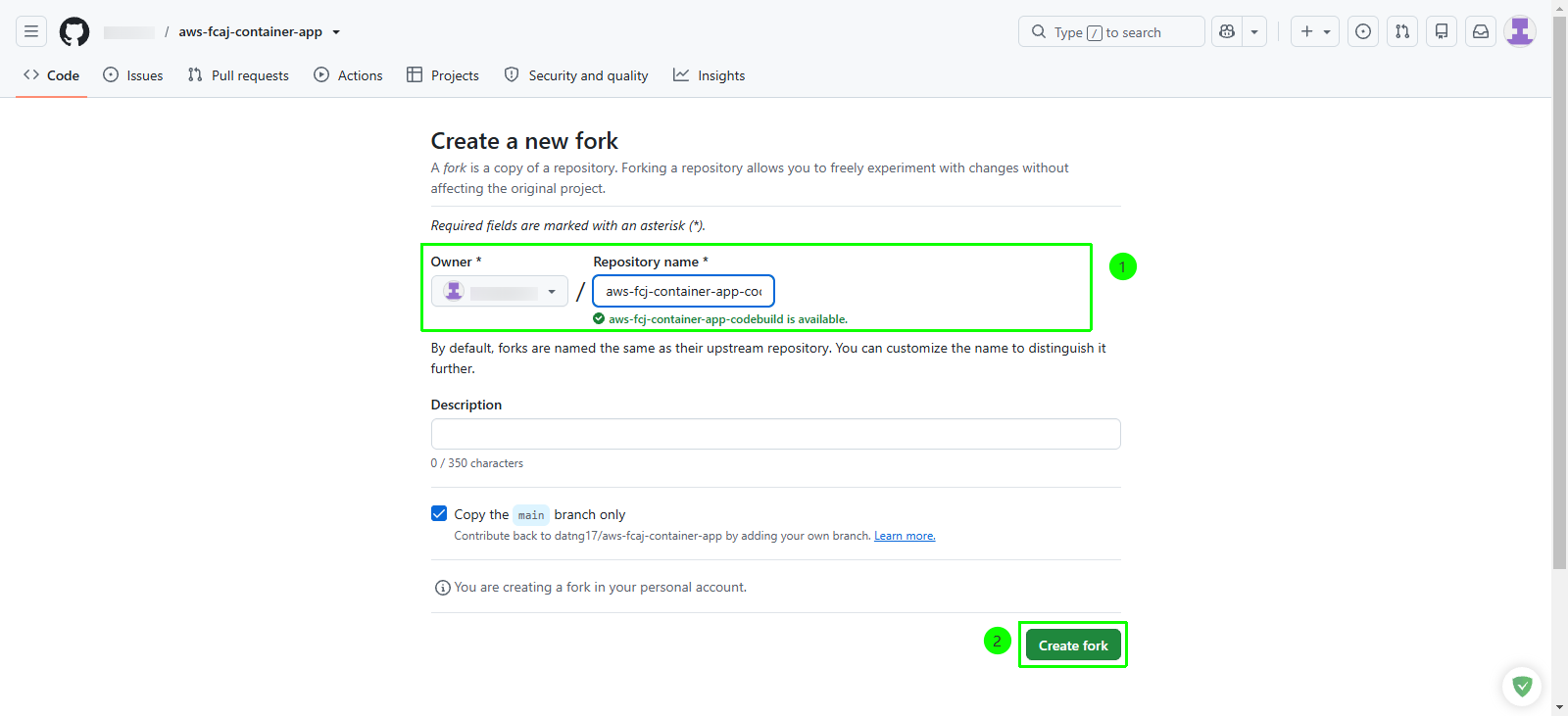
On the Create a new fork page, configure the following settings:
- Owner: Select your personal GitHub account from the dropdown list.
- Repository name: Enter
aws-fcaj-container-app-codebuild. - Description (optional): Enter a short description, such as
Containerized application repository for AWS CodeBuild CI/CD pipeline. - Ensure the checkbox Copy the main branch only is checked.
Click the green Create fork button.
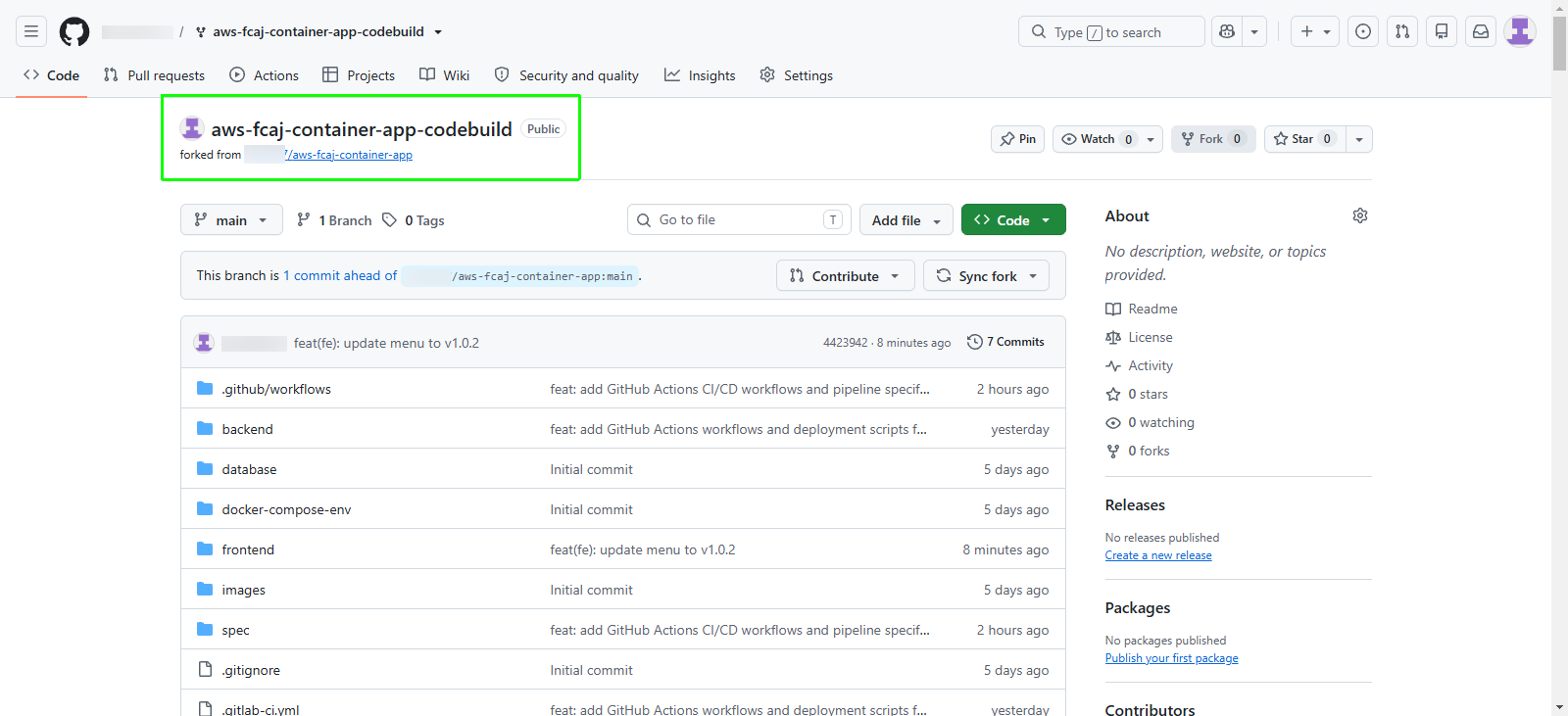
GitHub provisions your fork and redirects you to the new repository home page:
Step 2: Update the frontend menu component
To test that automated pipelines build and deploy changes when you trigger a release, update the dashboard title version string in the frontend source code.
In your forked repository, navigate through the directory structure:
- Click frontend
- Click src
- Click components
- Click Menu.jsx
In the file viewer header, click the pencil icon or Edit to open the in-browser file editor.
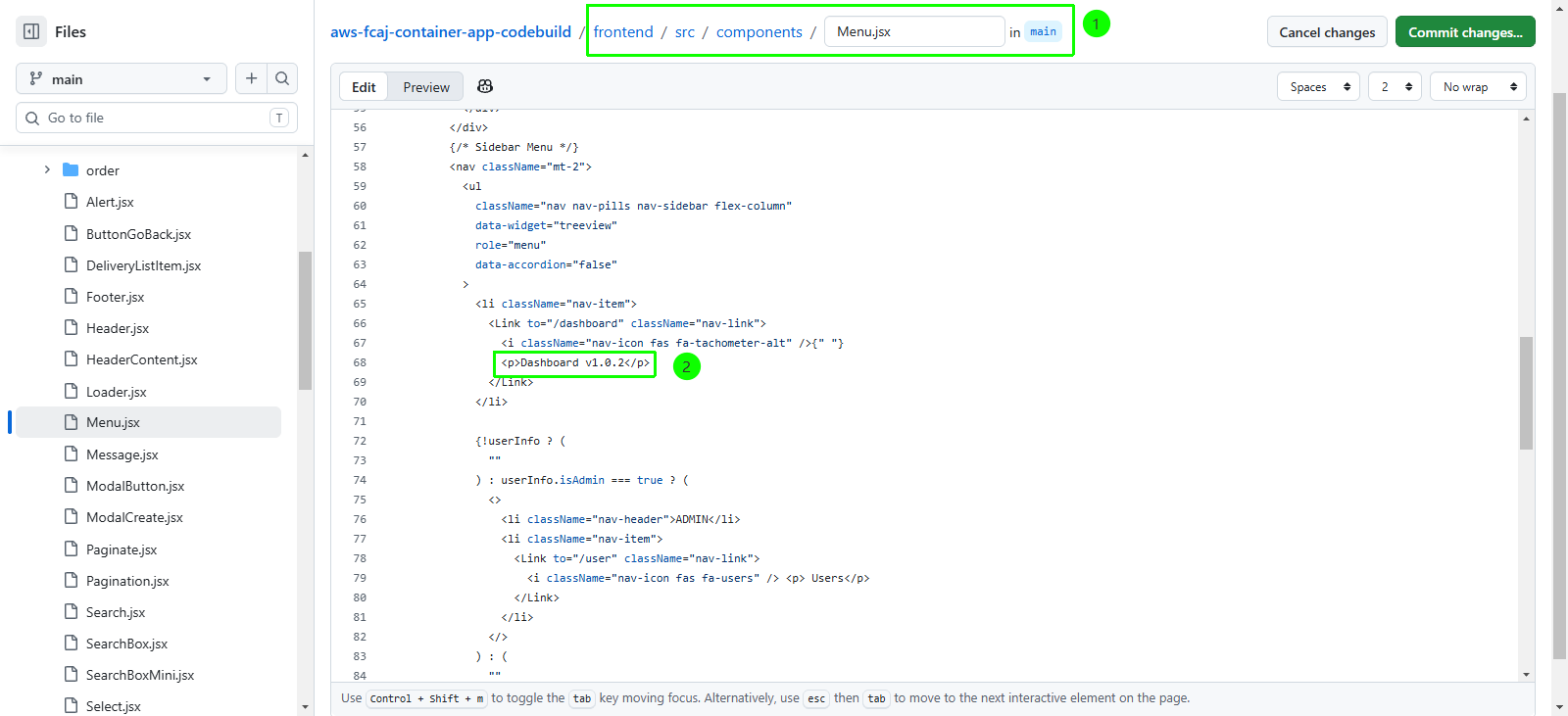
In the editor, locate line 68 inside the navigation list item:
// Before modification:
<p>Dashboard v1.0.0</p>
Modify the text inside the
<p>element toDashboard v1.0.2:// After modification: <p>Dashboard v1.0.2</p>
Step 3: Commit changes to the main branch
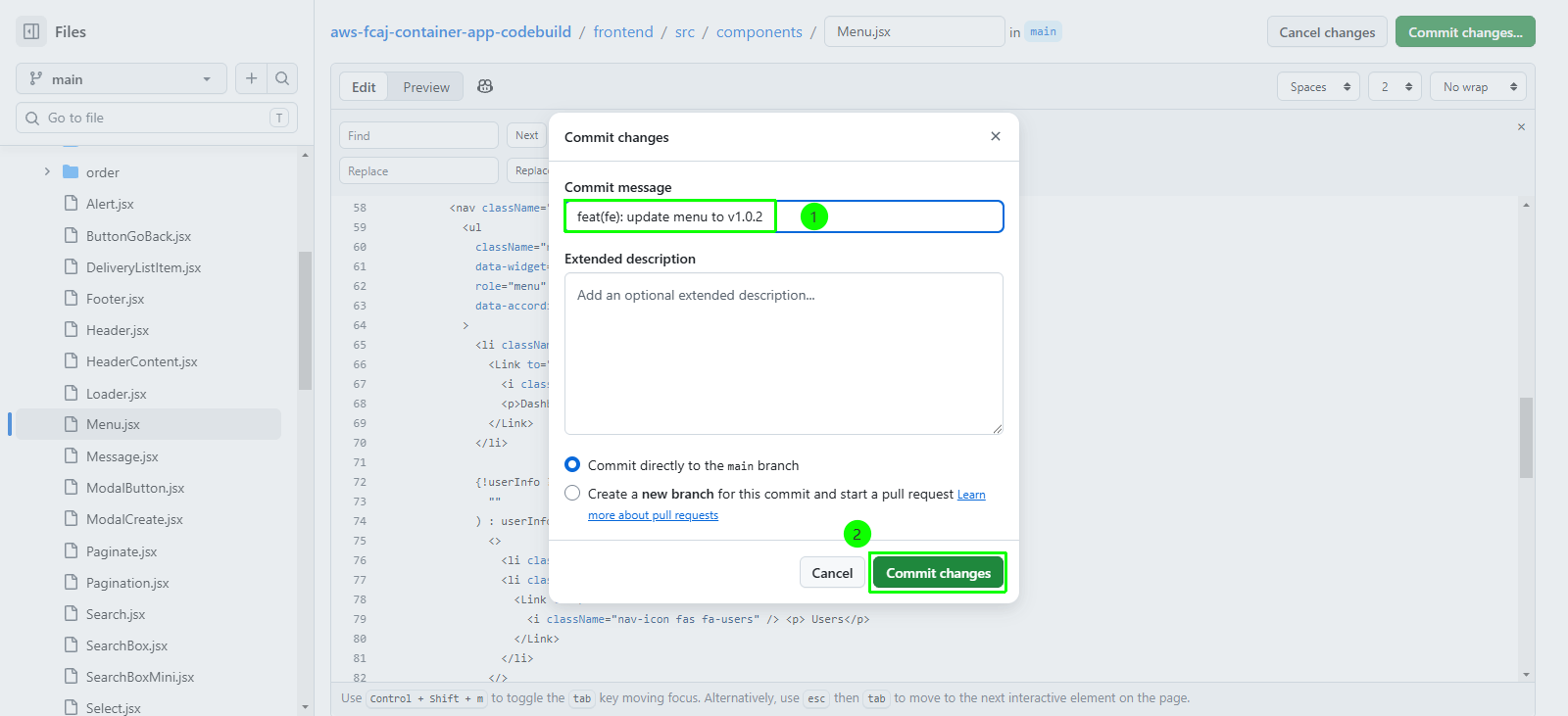
Commit the code update directly to your repository main branch using a standard conventional commit message.
In the top-right corner of the editor, click Commit changes….
In the Commit changes modal dialog, configure the commit details:
- Commit message: Enter
feat(fe): update menu to v1.0.2 - Extended description: Leave blank or add optional notes.
- Commit message: Enter
Click the green Commit changes button to finalize the commit.