Clone GitHub Template
In this section, you will clone a production-ready application template configured for GitHub Actions onto your Amazon EC2 build instance. You will introduce a sample application change to test automated continuous deployment and analyze the underlying reusable workflow architecture and Amazon ECS deployment automation scripts.
GitHub Actions reusable workflows
GitHub Actions provides native workflow orchestration using YAML workflow definitions stored within the .github/workflows/ directory.
In this module, our pipeline utilizes modern Reusable Workflows:
- Root Dispatcher (.github/workflows/main.yml): Acts as the central caller triggered when a Git tag is published. It invokes child workflows in parallel and forwards repository secrets using secrets: inherit.
- Modular Sub-Workflows (.github/workflows/backend.yml and .github/workflows/frontend.yml): Implement isolated build, container packaging, and deployment routines using modern, hardened GitHub Actions.
- ECS Deployment Script (backend/deploy-backend.sh): Programmatically registers new Amazon ECS Task Definition revisions and orchestrates rolling zero-downtime service updates using the AWS CLI v2 and jq.
Step 1: Clone the Application Repository on EC2
Connect to your Amazon EC2 build instance via MobaXTerm.
Clone the template repository into your home directory:
cd ~
git clone https://github.com/datng17/aws-fcaj-container-app.git
cd aws-fcaj-container-app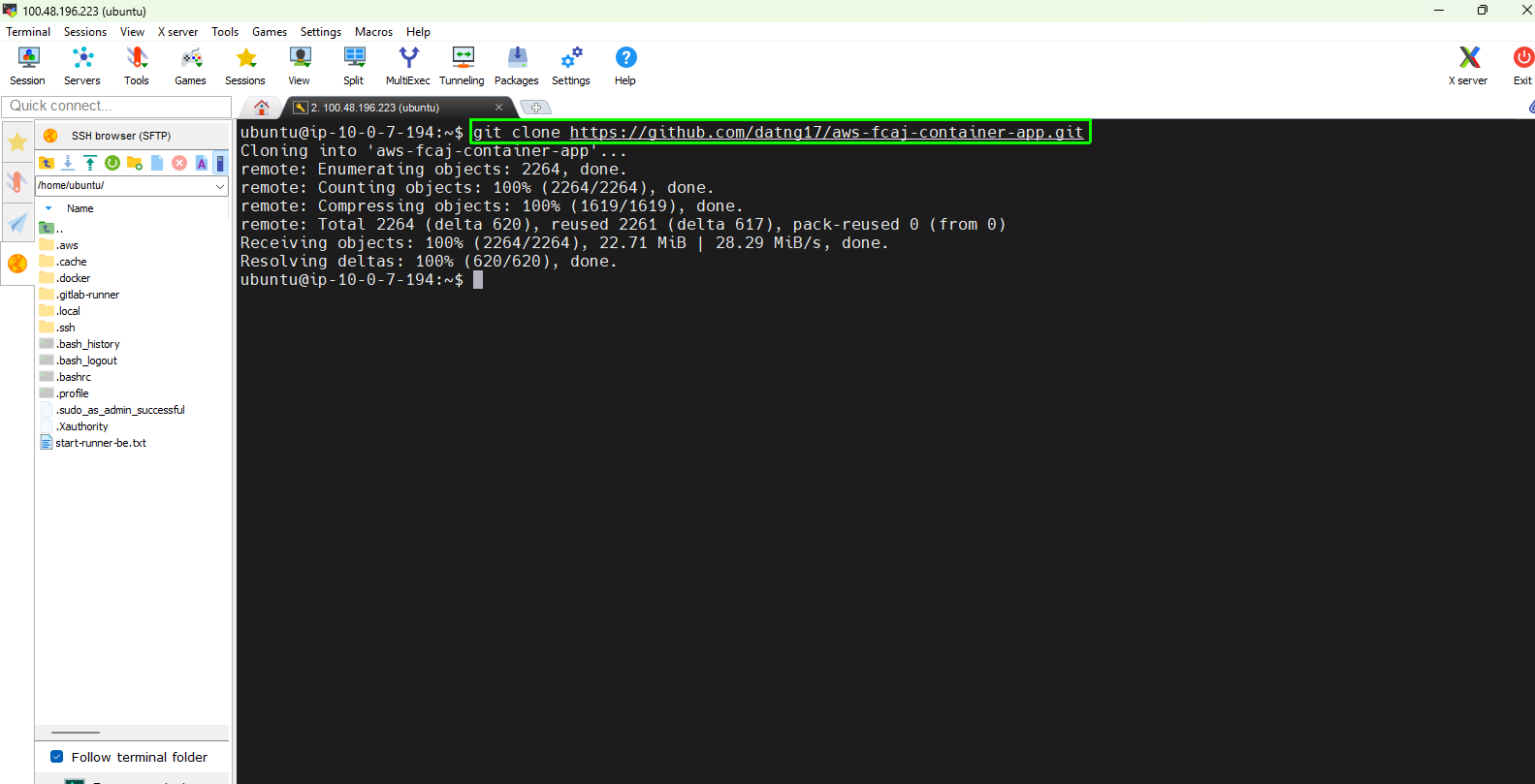
Step 2: Modify Frontend Source Code for Release v1.0.1
To validate that GitHub Actions successfully detects changes, builds a new container image, and deploys it without downtime, introduce a new version string to the frontend navigation header.
Open the navigation menu component in a text editor:
sudo nano ~/aws-fcaj-container-app/frontend/src/components/Menu.jsxLocate the dashboard title element (around line 68) and update the version string to v1.0.1:
// Before:
<p>Dashboard v1.0.0</p>

// After:
<p>Dashboard v1.0.1</p>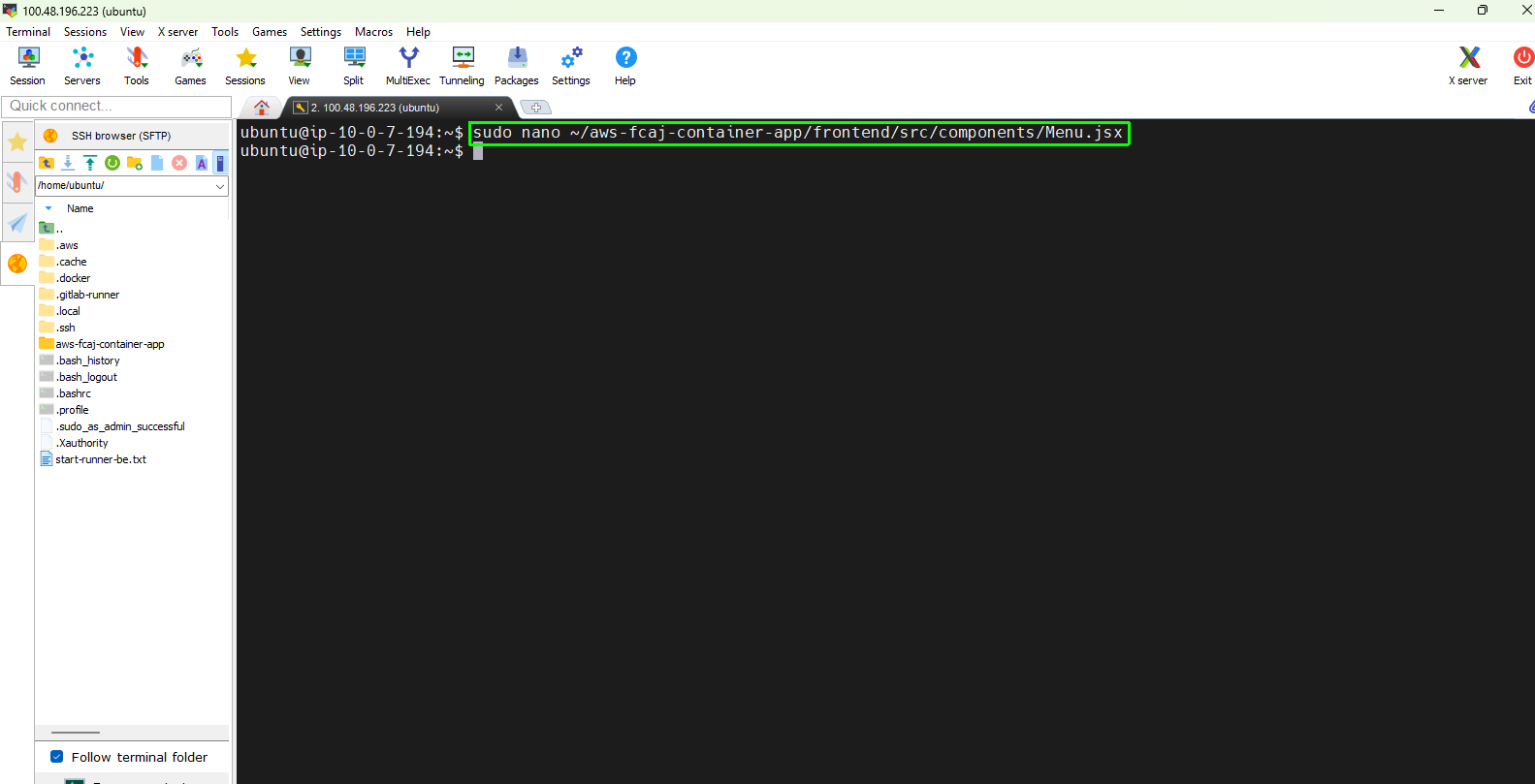
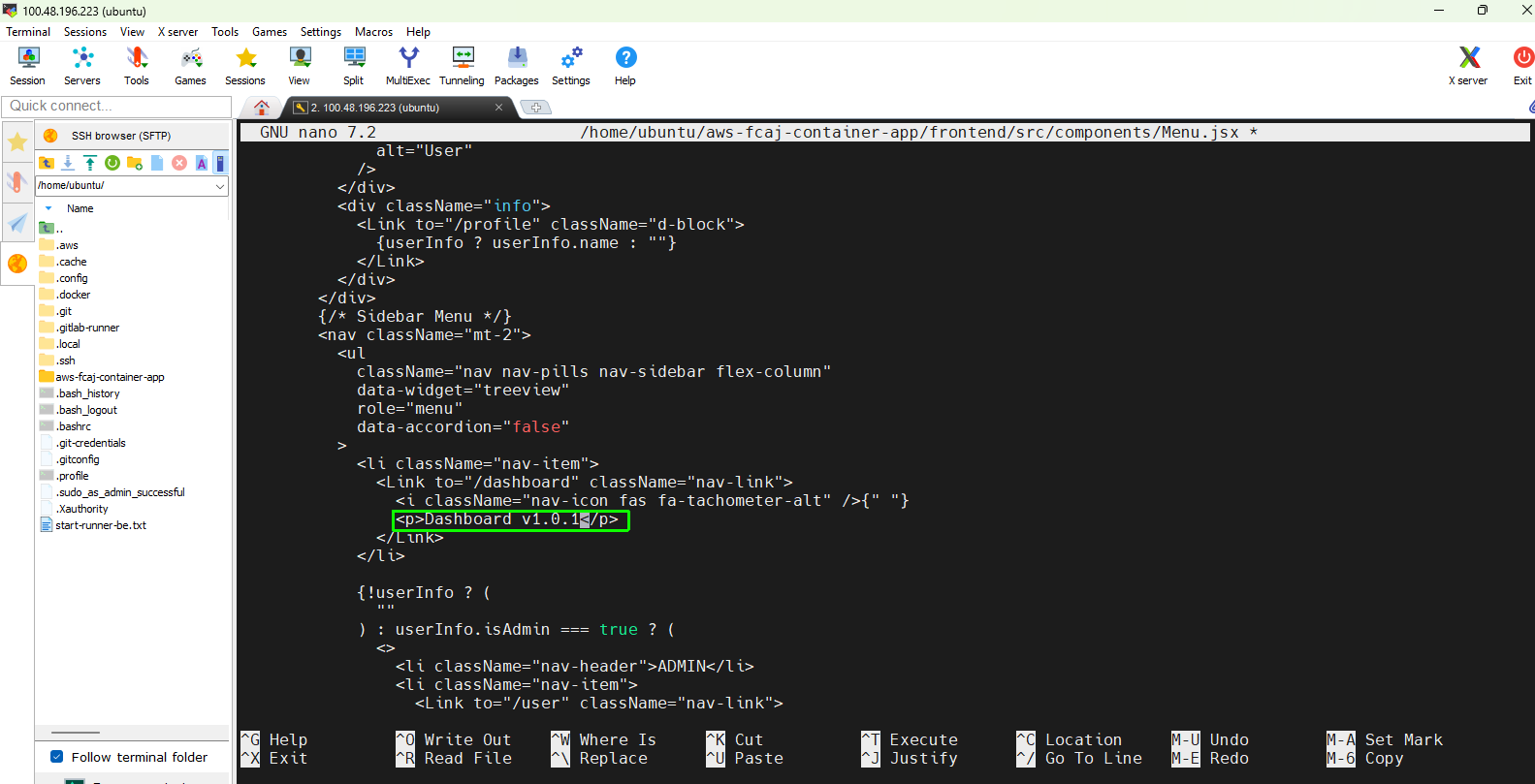
Save your modifications:
- In nano: Press Ctrl + O, then Enter to write the file, and Ctrl + X to exit.
Verify Shell Script Syntax
Verify that the deployment script contains no syntax errors before pushing to GitHub:
bash -n backend/deploy-backend.sh
Expected terminal output:
(No output returned; exit code 0 indicates valid syntax)